
A romantic portrait
Ask for soft light, a full-length dress, and a relaxed pose. Choose one main dress color to keep the portrait focused.
Your Sweet 15, reimagined
Create quinceañera photos with AI from one clear selfie. Choose a dress, a pose, and a setting to bring your ideas to life—right from your phone.
Lite: $5 USD/month · 15 web credits · Paid subscription.
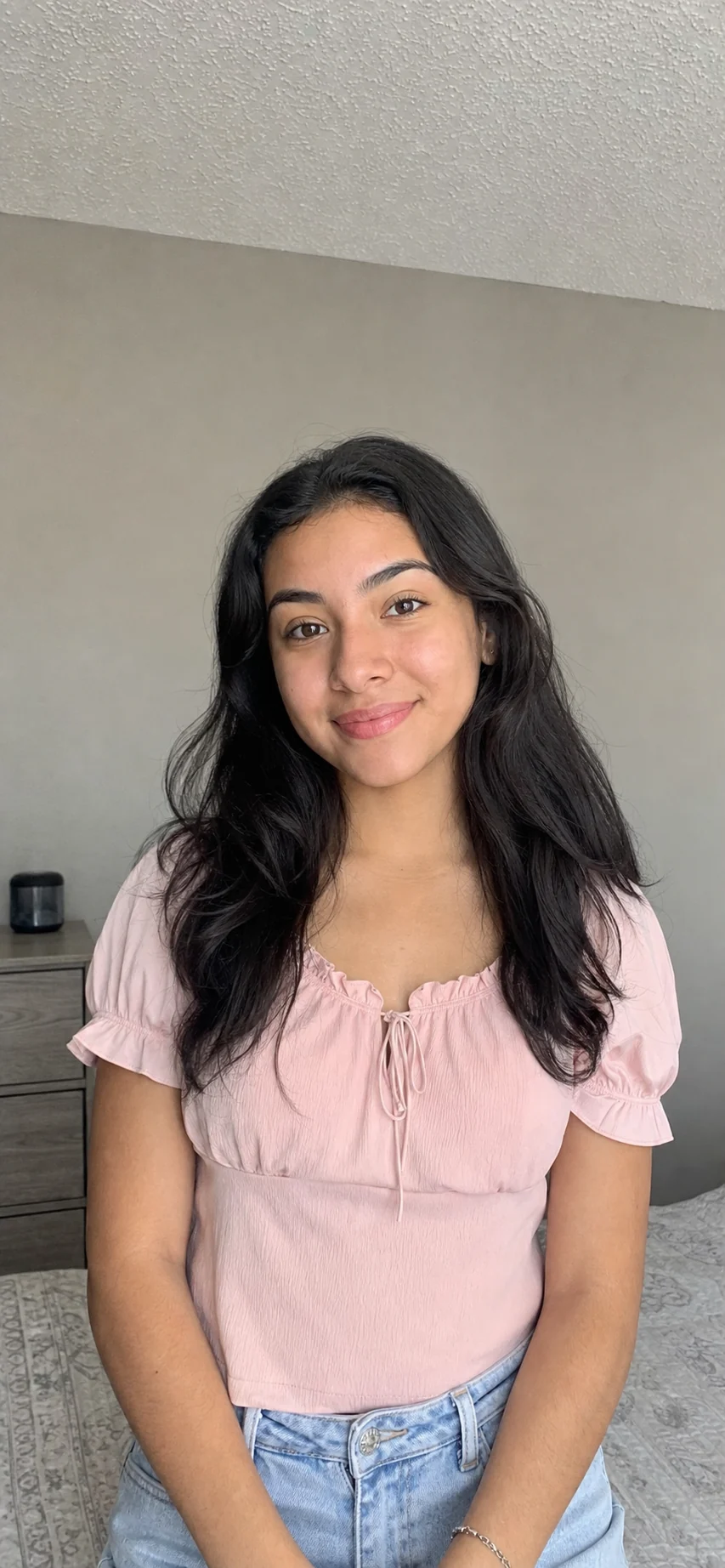
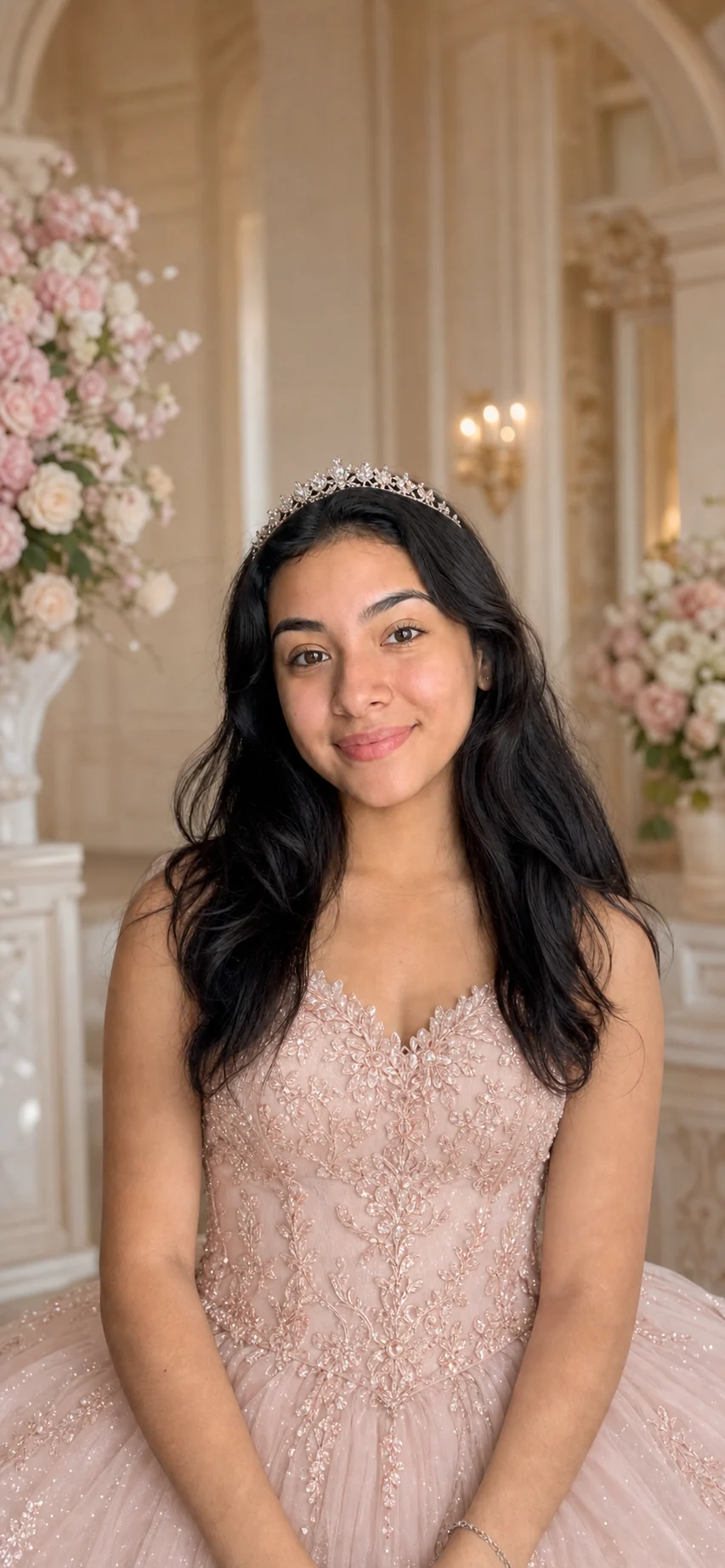
An example created with QuincesAI. Results vary with your photo and instructions.
Find your inspiration
Use these AI-generated examples to decide on a mood, color palette, and setting before creating your own.
Ask for soft light, a full-length dress, and a relaxed pose. Choose one main dress color to keep the portrait focused.

Explore an elegant ballroom or a garden. Describe the lighting and background as well as the dress for a more specific result.

Try a clean background and a closer portrait. Keep accessories simple so your face stays the focus.
No model training required to begin. Choose a paid plan, then follow these steps in your account.
Face the camera in good light, with no heavy filters or objects covering your face. Use your own photo, or one you have permission to use.
Pick a guided style or describe the dress, pose, and setting. Start with one clear idea before exploring variations.
Generate using your credits and follow progress in your account. Review your face and details before downloading or sharing. Processing time varies.
Ideas you can make your own
AI images help you imagine your celebration. They do not document the real day or replace photographs of your family and guests.
It means using artificial intelligence to create Sweet 15 portraits from a reference photo and instructions. With QuincesAI you can explore dresses, poses, and settings without arranging a new photo shoot for every idea.
One clear selfie is enough for your first portrait. Choose good light and a visible face. There is no mandatory model-training step to start.
No. Creating images requires a paid subscription and available credits. Lite starts at $5 USD per month with 15 web credits. The number of credits used depends on the tool and selected options.
AI can vary facial features and small details. A sharp selfie with no heavy filters helps. Review each result before sharing; examples do not guarantee an identical result for everyone.
Choose your look, bring one clear selfie, and create your first portrait with a paid plan.
Create my photos · $5/month